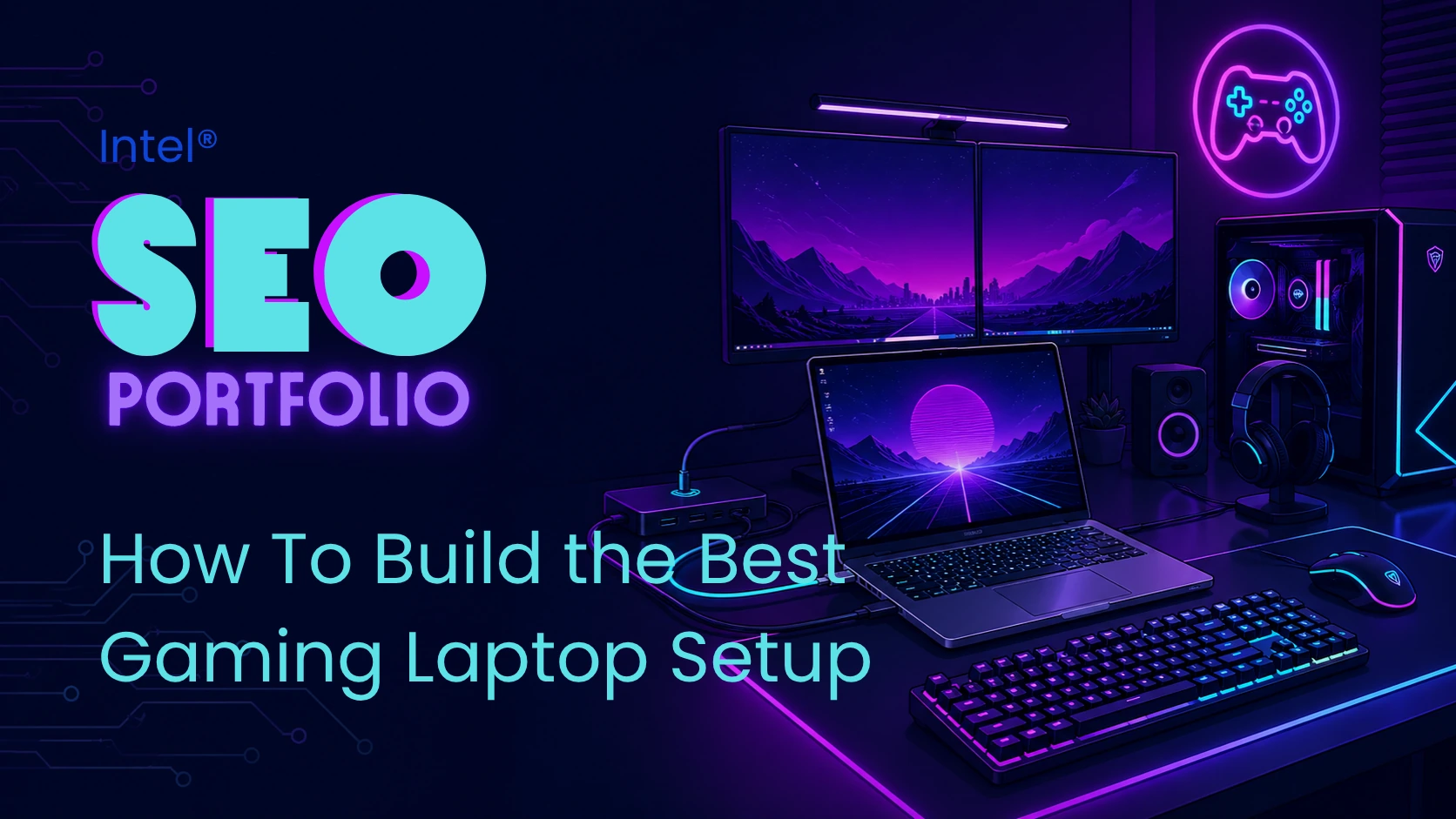
Intel’s How to Build the Perfect Gaming Laptop Setup article helps readers turn a gaming laptop into a more complete, desktop-like gaming setup at home. The article explains that a gaming laptop is useful for portability, but with the right accessories — external monitors, gaming mice, mechanical keyboards, headsets, docking stations, external storage, and workspace upgrades — users can create a more immersive and flexible gaming environment.
This article supports Intel’s broader gaming content strategy by expanding the conversation beyond the laptop itself. It connects gaming laptop performance to the full setup experience, including display quality, peripherals, Thunderbolt™ connectivity, Ethernet or Wi-Fi 6, streaming equipment, ergonomics, cable management, and home desk organization.
- Targets readers searching for gaming laptop setup, laptop gaming accessories, desktop-like laptop setup, docking station setup, gaming peripherals, and streaming setup ideas.
- Supports secondary keyword themes like PC, laptop, gaming, and gaming laptop.
- Positions the gaming laptop as the centerpiece of a flexible setup that works both on the go and at home.
- Explains how external displays, gaming mice, keyboards, headsets, speakers, docks, and storage can improve the laptop gaming experience.
- Connects laptop buying guidance to accessory planning, desk setup, streaming, and long-term usability.
- Creates internal linking opportunities to Intel resources on choosing a gaming laptop, gaming laptop vs. desktop PC, gaming monitors, Wi-Fi 6, PC system requirements, and Intel gaming.
- Uses subtle native advertising by positioning Intel-powered gaming laptops and Intel technologies like Thunderbolt™ ports and Wi-Fi 6 as part of a broader educational setup guide.
gaming laptop setup value
This article is valuable because it helps readers understand that buying a gaming laptop is only one part of the experience. It gives practical advice on how to make a laptop feel more like a desktop gaming PC at home by adding a larger monitor, full-size keyboard, gaming mouse, headset, speakers, docking station, external storage, ergonomic furniture, and organized cable management. It also covers streaming add-ons like external microphones, webcams, and external hard drives for gameplay capture.
seo & content strategy notes
From an SEO perspective, this article captures setup-focused search intent from users who already own or are considering a gaming laptop and want to improve the experience around it. The structure is search-friendly because it organizes the topic around clear accessory and environment categories: laptop selection, external displays, gaming mice and keyboards, audio, docking stations, workspace upgrades, streaming equipment, and laptop potential. It also strengthens Intel’s gaming content cluster by linking gaming laptop setup advice to laptop buying guidance, desktop-versus-laptop comparisons, gaming monitors, Wi-Fi 6, system requirements, and broader Intel gaming resources.
RECOMMENDED PRODUCTS
The article includes an Explore Gaming Laptops section with several example systems from major manufacturers, including Acer Predator Helios Neo 16S AI, ROG Strix G16, HP OMEN Max 16, Lenovo Legion Pro 7i, and MSI Vector 16 HX which all use Intel processors. As an international company with B2B partnerships, Intel also wants to ensure their distributors are performing well and this is a strategic way of supporting them.
It also recommends setup-related hardware categories such as external monitors, mechanical keyboards, gaming mice, mouse pads, headsets, speakers, Thunderbolt™ 3 docking stations, USB hubs, Ethernet connections, Wi-Fi 6 setups, surge protectors, external microphones, webcams, and external storage to enhance user experience.
- Developed or supported SEO-informed content outlines and heading structures.
- Helped align the article with keyword research around gaming laptop setup, laptop accessories, gaming peripherals, docking stations, external monitors, and streaming setups.
- Optimized keyword usage around PC, laptop, gaming, gaming laptop, desktop-like setup, and related accessory terms.
- Reviewed writer drafts for natural keyword placement, readability, and search intent alignment.
- Supported on-page SEO elements such as headings, title alignment, keyword placement, internal linking, and scannable article structure.
- Helped connect the article to related Intel resources on choosing a gaming laptop, laptop vs. desktop comparisons, gaming monitors, Wi-Fi 6, system requirements, and Intel gaming.
- Supported technical SEO through schema markup implementation during the early rich-results period.
- Trained writers, editors, and collaborators on SEO best practices.
- Collaborated with Intel’s internal SEO team to share keyword research, insights, and content opportunities.
- Balanced educational setup guidance, product positioning, user experience, and subtle native advertising.
This article adds a practical lifestyle and setup layer to Intel’s gaming content ecosystem. While other articles help readers choose a CPU, build a gaming PC, compare laptops and desktops, or troubleshoot performance issues, this piece helps users get more value from a gaming laptop after purchase by improving the surrounding environment.
As part of the broader Intel gaming content initiative, the article supports users who want portability without giving up the comfort and immersion of a desktop setup. It keeps Intel connected to the full gaming journey, from laptop selection to home gaming stations, streaming setups, external displays, peripherals, and connectivity upgrades.
- How to Pick the Best Gaming Laptop — connects setup planning back to the laptop buying decision.
- Gaming Laptop vs. Desktop PC — helps readers compare portability against desktop-style performance and customization.
- Complete guide to choosing a monitor — supports the external display section and multi-monitor setup guidance.
- Wi-Fi 6 — connects laptop setup planning to wireless performance and connectivity.