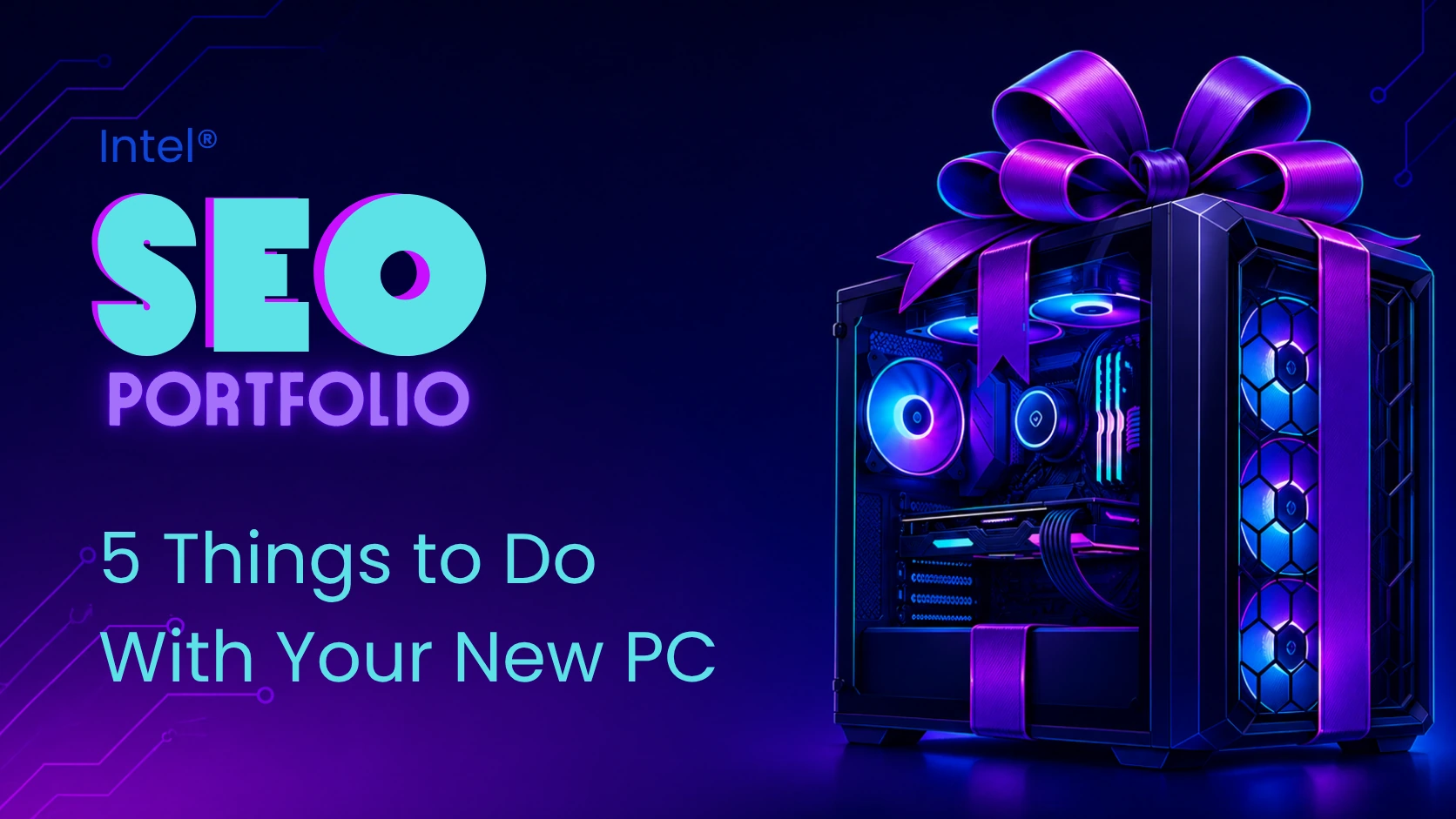
gaming pc
Intel’s 5 Things to Do with Your New Gaming PC article helps readers get more value from a new or newly built gaming PC after setup is complete. The article moves beyond basic hardware selection and gives users practical next steps, including competitive gaming, livestreaming, desktop customization, benchmarking, in-game performance testing, and CPU overclocking.
This article supports Intel’s broader gaming and CPU content strategy by keeping readers engaged after the purchase or build stage. Instead of focusing only on what to buy, it shows users how to enjoy, test, personalize, and optimize their system once they already have a gaming PC in front of them.
- Targets readers who already own, bought, or built a new gaming PC.
- Supports post-purchase engagement and deeper interaction with Intel gaming resources.
- Reinforces the project’s primary CPU focus through benchmarking, streaming, frame rate, and overclocking sections.
- Naturally supports secondary keywords like PC, desktop, gaming, and gaming PC.
- Connects gaming PC ownership to practical next steps: competitive play, streaming, software customization, system testing, and CPU tuning.
- Creates internal linking opportunities to Intel resources on streaming, CPU benchmarks, overclocking, gaming desktops, gaming laptops, and competitive gaming.
- Uses subtle native advertising by recommending Intel tools and CPU-related resources within a broader educational article.
gaming PC optimization value
This article is useful because it gives readers something to do after the excitement of setting up a new gaming PC. It explains how users can improve their experience through high-refresh-rate monitors, updated drivers, system monitoring tools, benchmark testing, livestreaming software, and overclocking tools. The article also helps readers understand why CPU and GPU performance need to align with monitor refresh rate, especially for competitive gaming and higher frame rates.
seo & content strategy notes
From an SEO perspective, this article supports a valuable post-purchase search intent: users who want to optimize, test, customize, or get more enjoyment from a new gaming PC. The article strengthens Intel’s content ecosystem by connecting gaming PC ownership to CPU benchmarks, streaming performance, overclocking, system monitoring, and frame rate testing. Its structure also creates strong internal linking pathways into deeper Intel resources, especially around CPU performance, Intel® Extreme Tuning Utility, overclocking, and benchmark interpretation.
RECOMMENDED PRODUCTS
The article does not work as a direct product roundup, but it does recommend Intel-related tools and performance paths. It points readers toward Intel® Extreme Tuning Utility for CPU benchmarking and overclocking, Intel overclocking software, unlocked Intel® CPUs with “K,” “KF,” or “KS” designations, and Intel® Core™ i7 processors for users who want to game and stream at the same time.
- Developed or supported SEO-informed content outlines and heading structures.
- Helped align the article with keyword research around CPU, gaming PC optimization, PC performance, and overclocking.
- Optimized keyword usage around CPU, PC, desktop, gaming, and gaming PC.
- Reviewed writer drafts for natural keyword placement and readability.
- Supported on-page SEO elements such as headings, title alignment, keyword placement, internal linking, and scannable article structure.
- Helped connect the article to related Intel resources on streaming, CPU benchmarks, overclocking, competitive gaming, gaming desktops, and gaming laptops.
- Supported schema markup implementation during the early rich-results period.
- Trained writers, editors, and collaborators on SEO best practices.
- Collaborated with Intel’s internal SEO team to share keyword research, insights, and content opportunities.
- Balanced technical education, product positioning, and subtle native advertising.
This article adds an important post-purchase layer to Intel’s gaming content strategy. While many articles help readers choose, build, or buy a gaming PC, this piece keeps users engaged after setup by showing them how to test performance, personalize their system, stream gameplay, and experiment with CPU overclocking.
As part of the broader Intel gaming SEO project, the article helps extend the user journey beyond conversion-focused buying decisions. It reinforces Intel’s authority in gaming performance and CPU optimization while encouraging readers to explore related resources that deepen their understanding of benchmarks, overclocking, streaming, and gaming PC performance.
How to Stream – supports users interested in broadcasting gameplay from a gaming PC.
How to Read and Understand CPU Benchmarks – reinforces the article’s CPU testing and performance education strategy.
A Guide to Overclocking with Intel® Extreme Tuning Utility – connects readers to Intel’s CPU overclocking software resource.
Gaming Desktops / Gaming Laptops – helps readers continue exploring Intel-powered gaming systems.