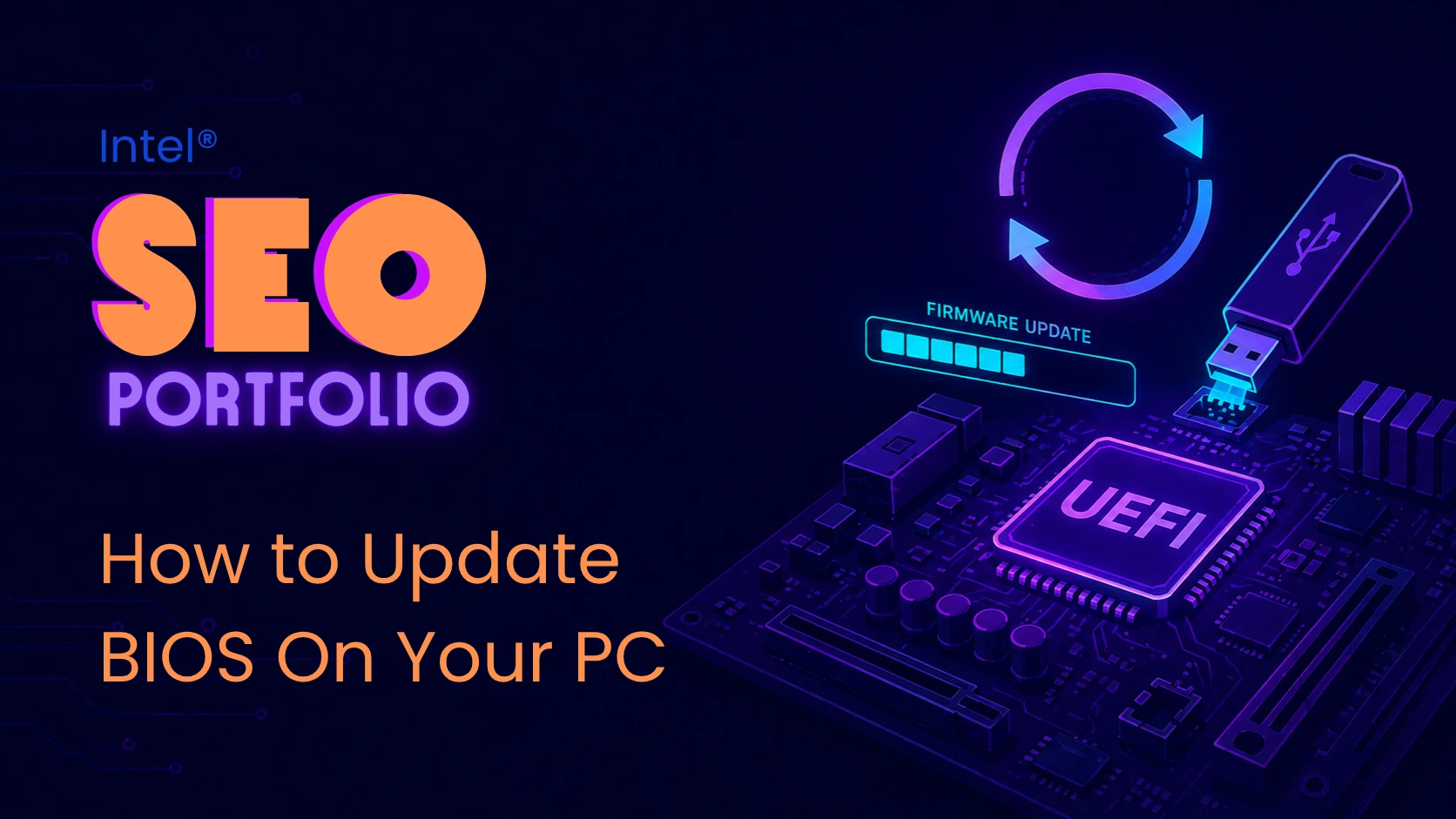
Intel’s How to Update BIOS article helps readers understand when a BIOS update is necessary, how BIOS and UEFI work, and how to safely find the correct update process for their motherboard. The article makes an advanced PC maintenance topic easier to understand by explaining that BIOS updates are not routine updates like Windows or graphics drivers, and usually should only be performed when recommended by the PC or motherboard manufacturer, or when a specific hardware issue requires it.
This article supports Intel’s broader CPU, PC, and gaming content strategy by connecting BIOS updates to hardware compatibility, system stability, motherboard support, overclocking settings, Intel® XMP, and future upgrade planning. It is especially useful for readers working with gaming desktops, custom PCs, or motherboard-level troubleshooting.
- Targets readers searching for how to update BIOS, BIOS meaning, UEFI, motherboard updates, and PC troubleshooting.
- Supports technical search intent for users maintaining, upgrading, or troubleshooting a gaming PC.
- Reinforces the broader CPU strategy by tying BIOS updates to new CPU compatibility, overclocking settings, Intel® XMP, and hardware support.
- Explains when BIOS updates are appropriate, including compatibility, stability, optional hardware features, and security updates.
- Provides clear caution around BIOS update risks, including corruption, power loss, crashes, and reset settings.
- Creates internal linking opportunities to Intel resources on CPU overclocking from BIOS, gaming motherboards, Intel® Extreme Tuning Utility, gaming desktops, and gaming laptops.
- Uses subtle native advertising by positioning Intel as a trusted technical resource for PC hardware education and performance guidance.
technical troubleshooting value
This article is valuable because it helps readers avoid unnecessary or risky BIOS updates while still giving them a safe path forward when an update is actually needed. It explains how to access BIOS through Windows Recovery or pre-boot hotkeys, how UEFI relates to BIOS, and why users should follow their motherboard manufacturer’s exact instructions before flashing an update. The result is a practical, confidence-building guide for users who need technical help but may not be comfortable working at the firmware level.
seo & content strategy notes
From an SEO perspective, this article strengthens Intel’s gaming and PC hardware content ecosystem by targeting a highly specific technical query with strong instructional intent. The article’s structure is search-friendly because it answers the reader’s questions in a logical order: what BIOS means, how to access it, what UEFI means, when to update, how to update safely, and what to remember afterward. It also supports related keyword themes around CPU, PC, desktop, gaming PC, motherboard compatibility, overclocking, and system stability.
RECOMMENDED PRODUCTS
The article does not act as a product roundup, but it does point readers toward relevant Intel gaming and performance resources. It references BIOS-level CPU overclocking, Intel® Extreme Memory Profile, Intel® Extreme Tuning Utility, gaming desktops, gaming laptops, and the latest Intel® Core™ processors for users seeking better gaming performance rather than a BIOS update.
- Developed or supported SEO-informed content outlines and heading structures.
- Helped align the article with keyword research around CPU, BIOS updates, UEFI, PC troubleshooting, motherboard compatibility, and gaming PC maintenance.
- Optimized keyword usage around CPU, PC, desktop, gaming, and gaming PC.
- Reviewed writer drafts for natural keyword placement, readability, and search intent alignment.
- Supported on-page SEO elements such as headings, title alignment, internal linking, keyword placement, and scannable instructional sections.
- Helped connect the article to related Intel resources on overclocking, gaming motherboards, Intel® XMP, gaming desktops, gaming laptops, and CPU performance.
- Supported technical SEO through schema markup implementation during the early rich-results period.
- Trained writers, editors, and collaborators on SEO best practices.
- Collaborated with Intel’s internal SEO team to share keyword research, insights, and content opportunities.
- Balanced technical accuracy, user safety, instructional clarity, and subtle native advertising.
This article adds important technical depth to Intel’s gaming resource library by addressing a real maintenance and troubleshooting need for PC users. BIOS updates are intimidating for many readers, so the article’s value comes from making the process understandable while clearly explaining when not to update.
As part of the broader Intel gaming SEO project, this piece supports users further along in the PC ownership journey. It keeps Intel connected to advanced gaming PC topics like motherboard compatibility, CPU upgrades, overclocking, and system stability while reinforcing Intel’s role as a trusted authority in PC hardware education.
Gaming Desktops / Gaming Laptops — connects BIOS and PC maintenance content back to Intel-powered gaming systems.
How to Overclock Your CPU from BIOS — connects BIOS education to CPU performance tuning.
How to Choose a Gaming Motherboard — supports readers researching motherboard compatibility and build planning.
Overclocking with Intel® Extreme Tuning Utility — gives readers a software-based path into CPU performance optimization.